Orbital Stack
Stack blocks, clear lines, and battle through fast solo or online matches.
Starting player. The embedded player is mounting; this does not confirm that the game is ready.
Reload may restart progress inside this game.
Game briefing
Orbital Stack is a browser puzzle game with solo, local split-screen, and online multiplayer modes. Online play offers Quick Match, Host, and Join rooms with room codes, countdowns, reconnects, spectators, rematches, and match results. Players stack blocks, clear lines, send attacks, and manage incoming pressure in competitive battles.
Documented features
- Block stacking and line clearing
- Solo and local split-screen modes
- Quick Match, Host, and Join online lobby
- Room codes, reconnects, spectators, and rematches
- Competitive attacks and incoming-pressure management
How to play
Build a stable stack, clear lines, and outlast opponents by sending attacks while managing incoming pressure.
Your first few minutes
- Open Orbital Stack in a browser and choose solo, local split-screen, or online play.
- Read the falling piece and next-piece queue, then place pieces to keep the stack low and preserve workable lanes.
- Clear horizontal lines and build consecutive clears or combos without leaving isolated holes.
- In battles, watch incoming pressure, recover before the stack reaches the top, and attack when your board can absorb retaliation.
- For online play, choose Quick Match, Host and share a room code, or Join with a host’s code; use the result flow to rematch.
No reliable key-to-action map is supplied for published v5. Consult on-screen help or control labels; do not assume keyboard, touch, or gamepad bindings.
A little head start
- Keep the stack compact and preserve a flexible channel; repairing holes is safer than chasing risky clears.
- Clear decisively when garbage threatens the top, not only when a combo is available.
- Use local split-screen for practice; Host and Join are more predictable than waiting in Quick Match.
Before you start
- A modern web browser with JavaScript enabled.
- Online matches require a stable internet connection and another player.
About this edition: Targets the confirmed permanent published v5 edition. Later v6 mechanics and optional camera/PiP work were unpublished and are not treated as available features.
More games on the shelf
All games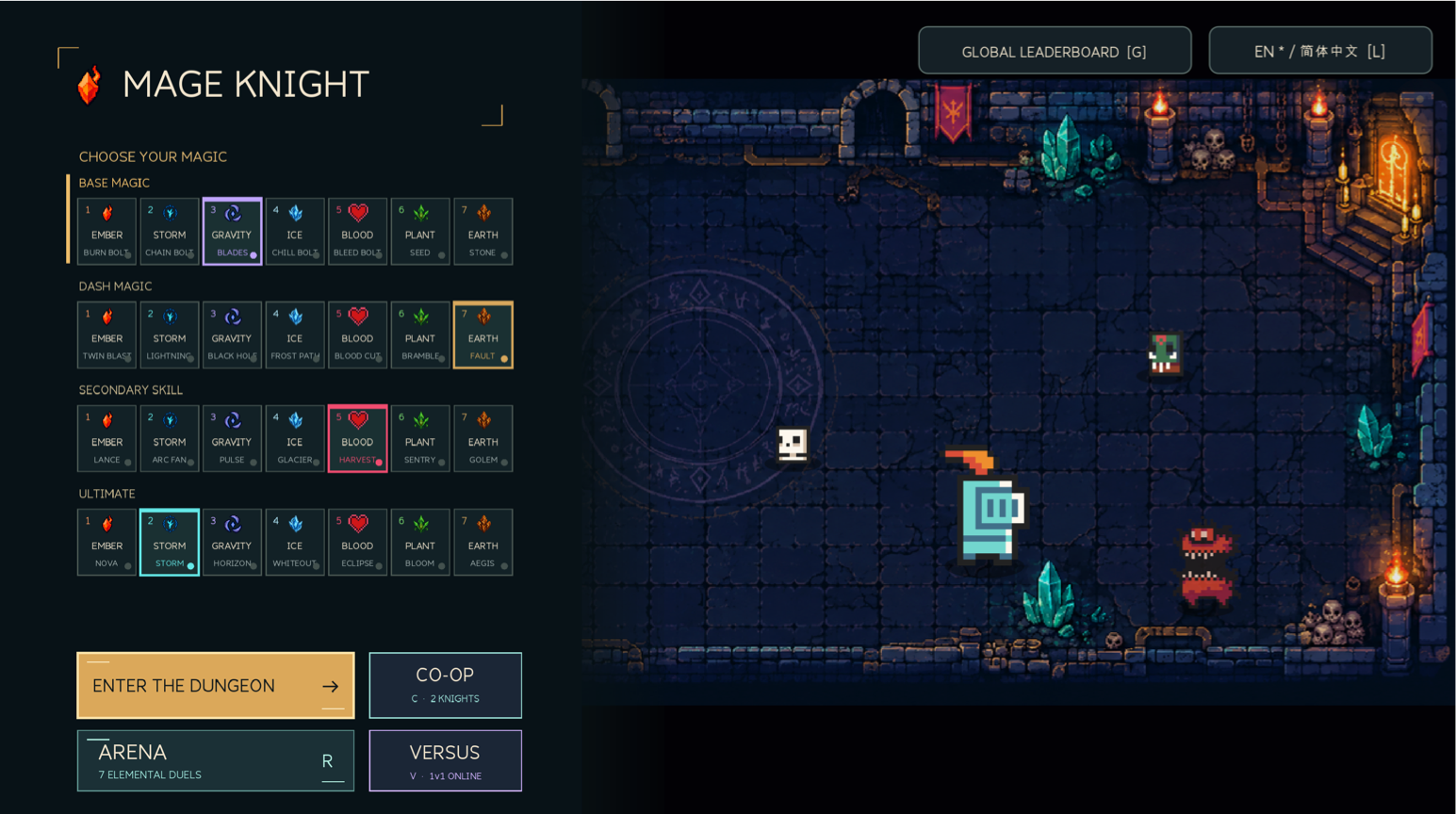
Forge your own spell arsenal from seven elements, then blast through a haunted dungeon with chained magic and perfectly timed dodges. Face elemental rivals in the Arena, team up in co-op, or challenge a friend to an online duel.
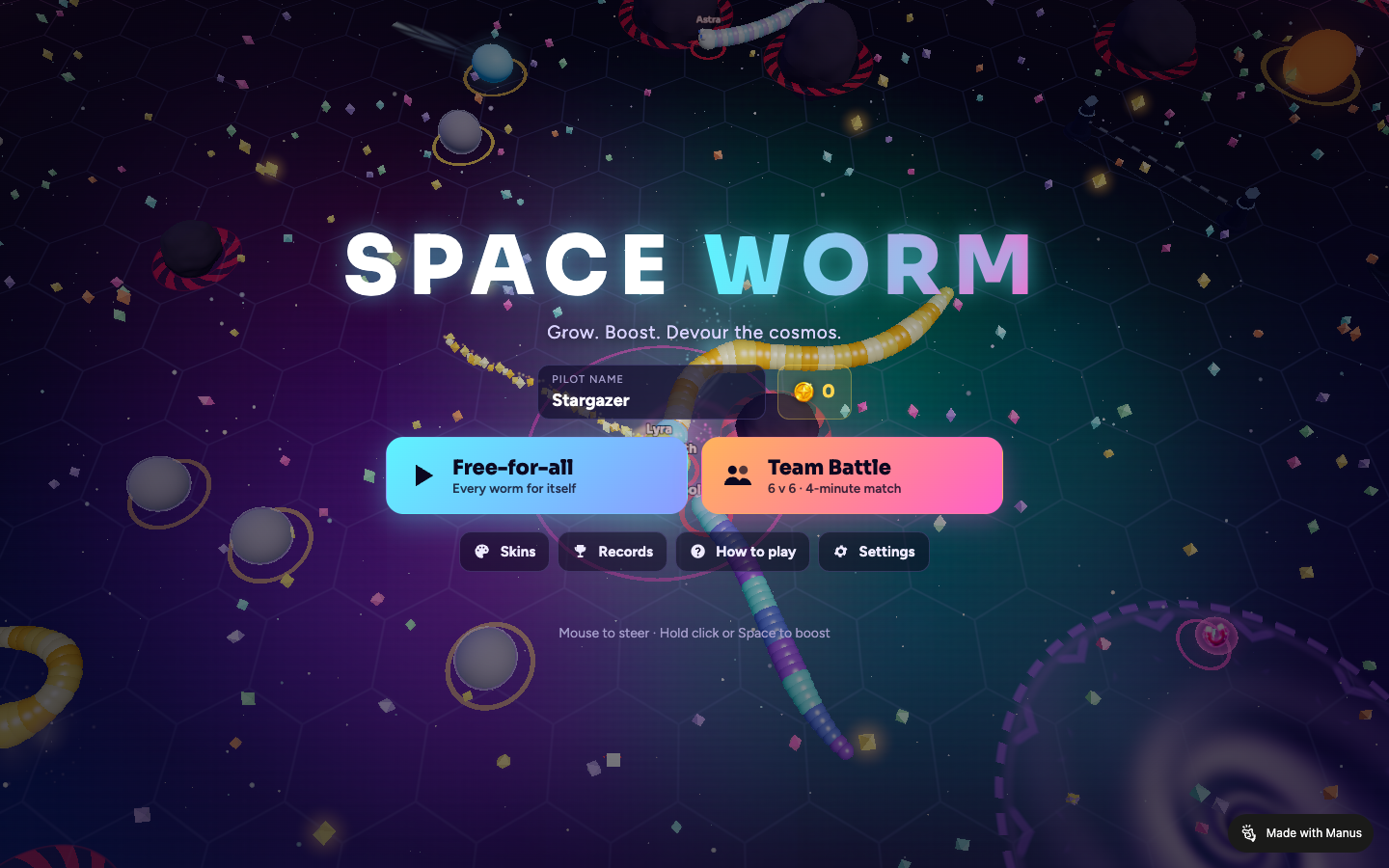
Devour a living cosmos in a fast, competitive 3D worm arena. Grow on stardust, swallow celestial bodies for permanent powers, boost through hazards, and outmaneuver rival worms in free-for-all or 6v6 team battles.
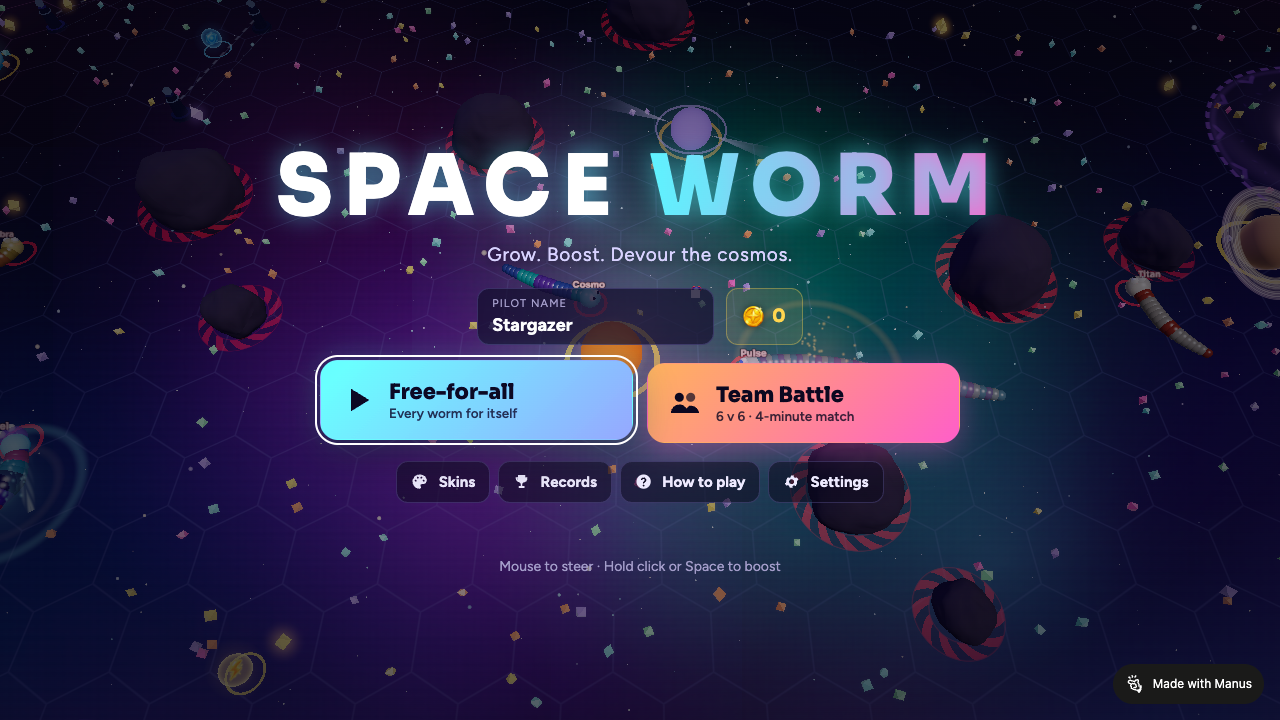
Grow a glossy cosmic worm by devouring energy and celestial bodies, boost through a hazard-packed arena, bite smaller rivals in two, steal the bounty crown, and chase the galaxy’s longest run.